
Settings
Settings are stored in ~/.lanyard/state.json and shared with the lanyard CLI.
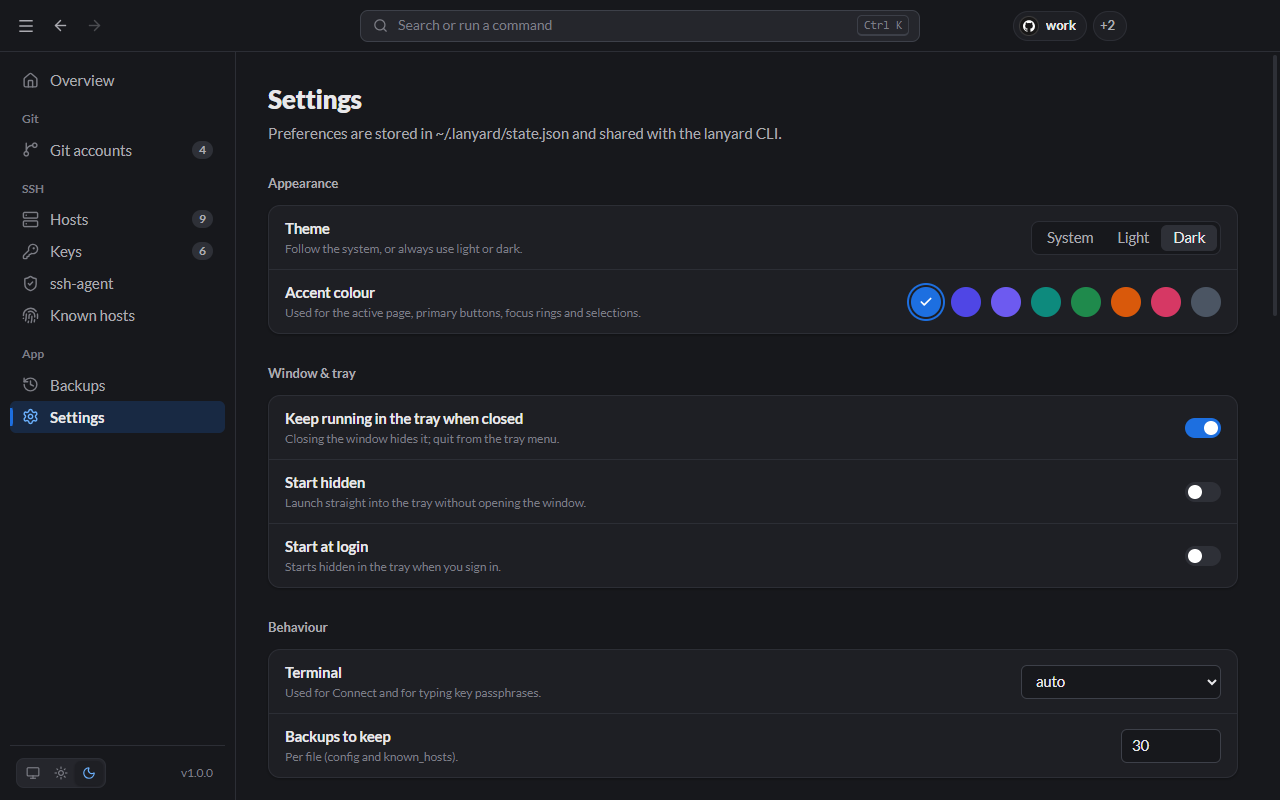
Appearance
- Theme: follow the system, or always light or dark. The three buttons at the bottom of the sidebar switch it too.
- Accent colour: eight colours for the active page, buttons, focus rings and selections. You can also type
accentin the command palette.
Window & tray
- Keep running in the tray when closed: closing the window hides it; quit from the tray menu. On by default.
- Start hidden: launch straight into the tray.
- Start at login: start Lanyard, hidden in the tray, when you sign in.
Behaviour
- Terminal: which terminal Connect and passphrase prompts open in. auto picks Windows Terminal if installed (else Command Prompt), Terminal on macOS, and the first terminal found on Linux.
- Backups to keep: how many backups of each file to keep.
Command line, files and About
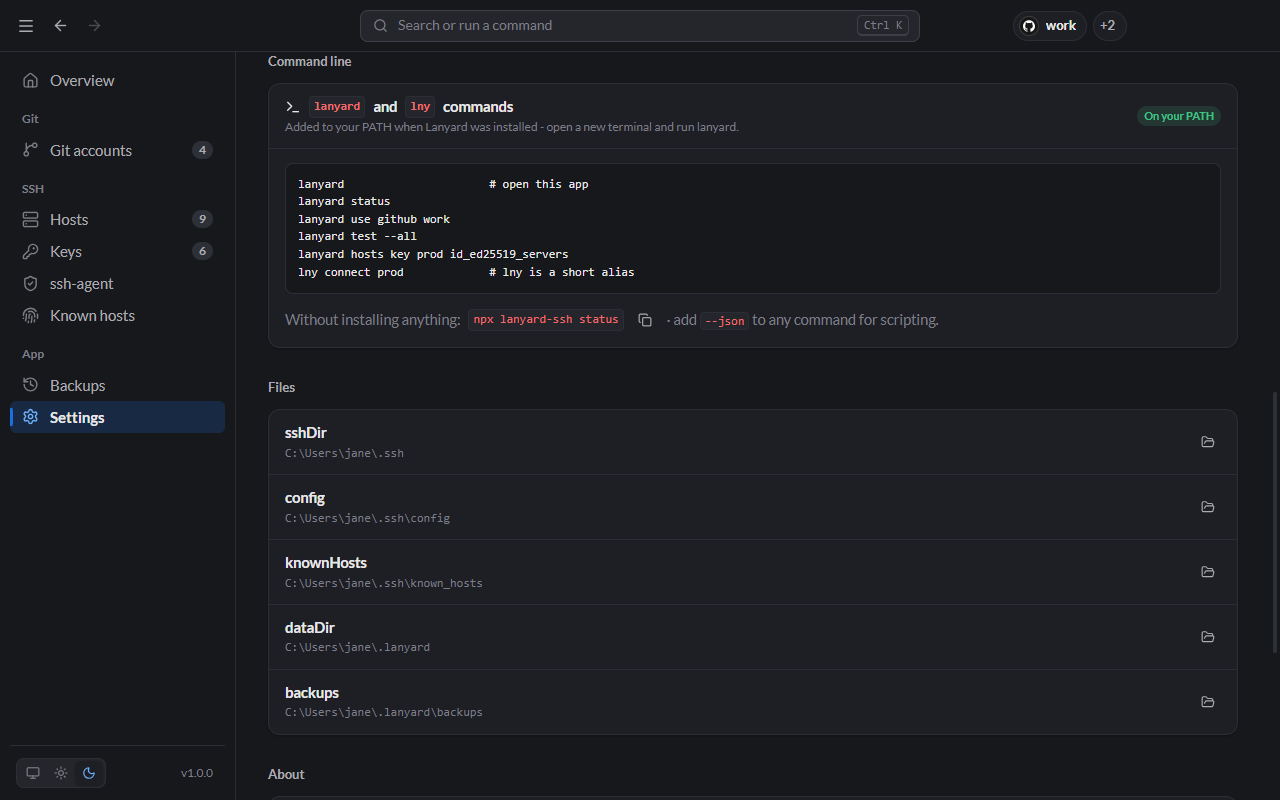
- Command line: how to install the
lanyardandlnycommands (npm install -g lanyard-cli), with examples. - Files: every path Lanyard uses, each with a button to open it.
- About: version and licence, plus the Tauri, WebView, Node.js, OpenSSH and Git versions Lanyard found.